
Programming mistakes are inevitable in new coder’s life.
Learning programming is an exciting but challenging journey, especially for beginners who are just starting with core concepts, syntax rules, and problem-solving patterns. Across all programming languages—whether JavaScript, Python, C, C++, Java, PHP, Kotlin, or any other—the same foundational mistakes appear consistently. This section explains the most common early-stage errors, why they happen, and how new developers can build better habits. Here are some programming mistakes every new coder makes.
1. Writing Code Without Understanding the Problem
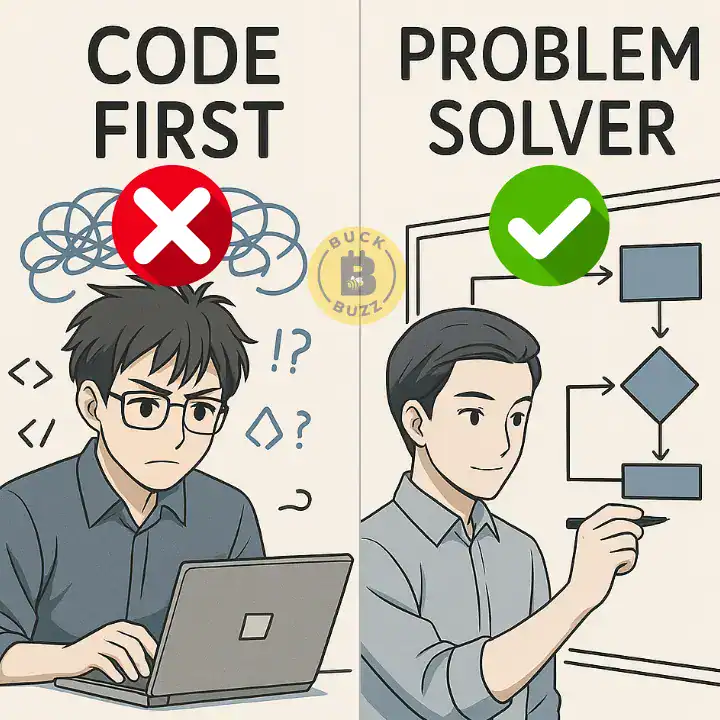
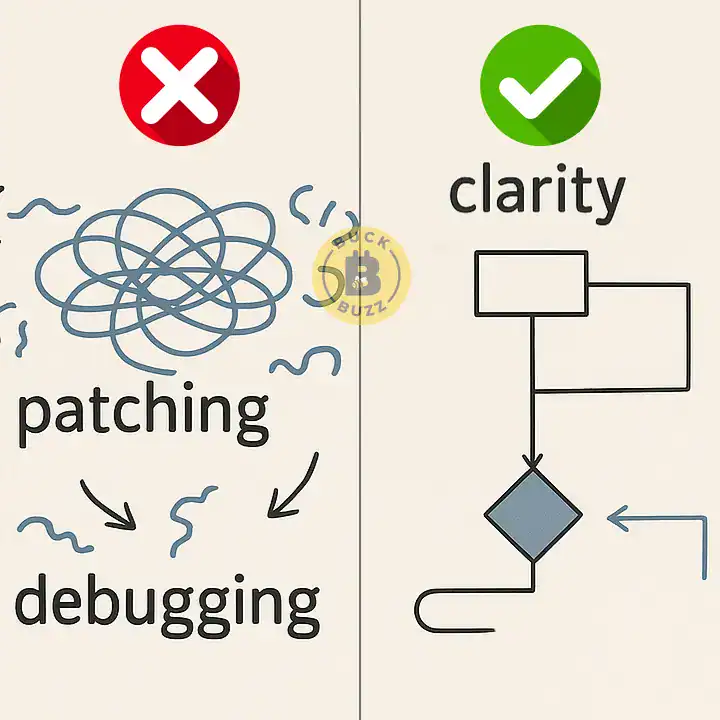
One of the most universal mistakes new programmers make is jumping straight into code before properly understanding what the problem actually requires. Instead of breaking a problem into inputs, processes, and outputs, beginners often start typing immediately, which results in logic errors and wasted time.
Correct approach:
Before coding anything, outline the expected behavior, edge cases, and constraints. This habit leads to cleaner design, fewer bugs, and more predictable results across all languages.
2. Ignoring Error Messages or Misinterpreting Them
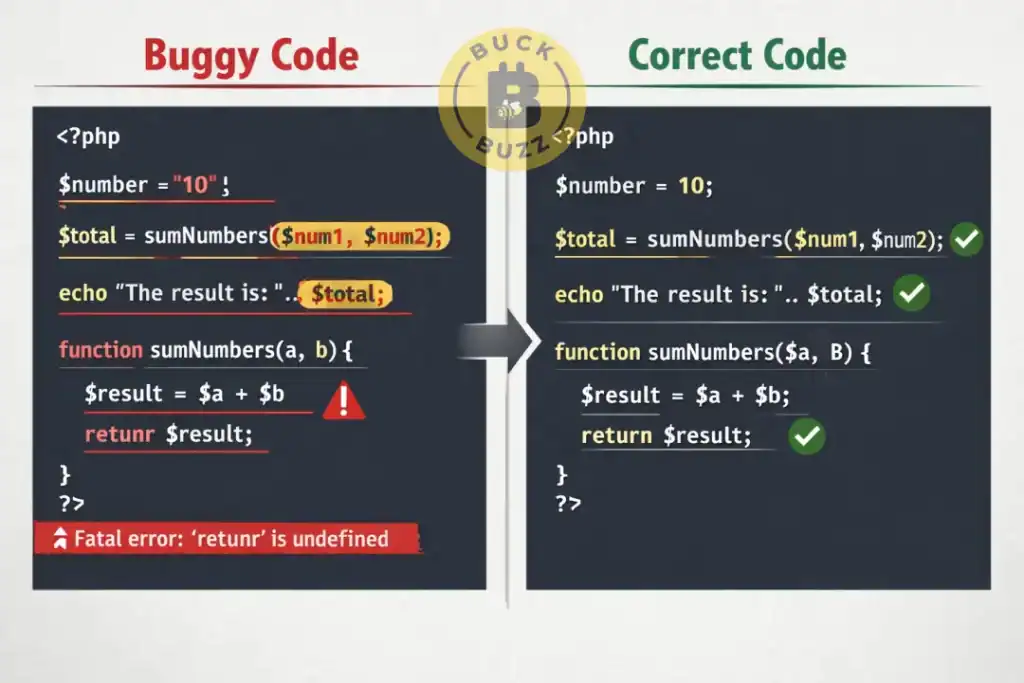
Every programming language provides error messages—syntax errors, runtime errors, compiler errors, and logical warnings. Beginners commonly ignore them or fail to read them line by line. This leads to unnecessary frustration because the solution is often clearly indicated in the message.
Correct approach:
Read every error message carefully, locate the line number, interpret the message, and then fix the issue. Debugging becomes significantly easier when programmers learn to trust and understand error output.
3. Overcomplicating Code Instead of Keeping It Simple
New coders sometimes try to write “advanced” or overly optimized code thinking it makes them look skilled. In reality, overly complex code increases bugs, reduces readability, and often performs worse.
Correct approach:
Focus on clarity, simplicity, and clean logic. Optimization comes later, once functionality is stable.
4. Not Using Comments or Using Them Incorrectly
Some beginners avoid comments entirely, while others overuse comments to explain trivial steps. The absence of meaningful comments reduces long-term readability, especially in team environments or large projects.
Correct approach:
Write brief, functional comments that clarify why something is done, not what is done. Code should explain itself, but comments should add context.
5. Copy-Pasting Code Without Understanding It
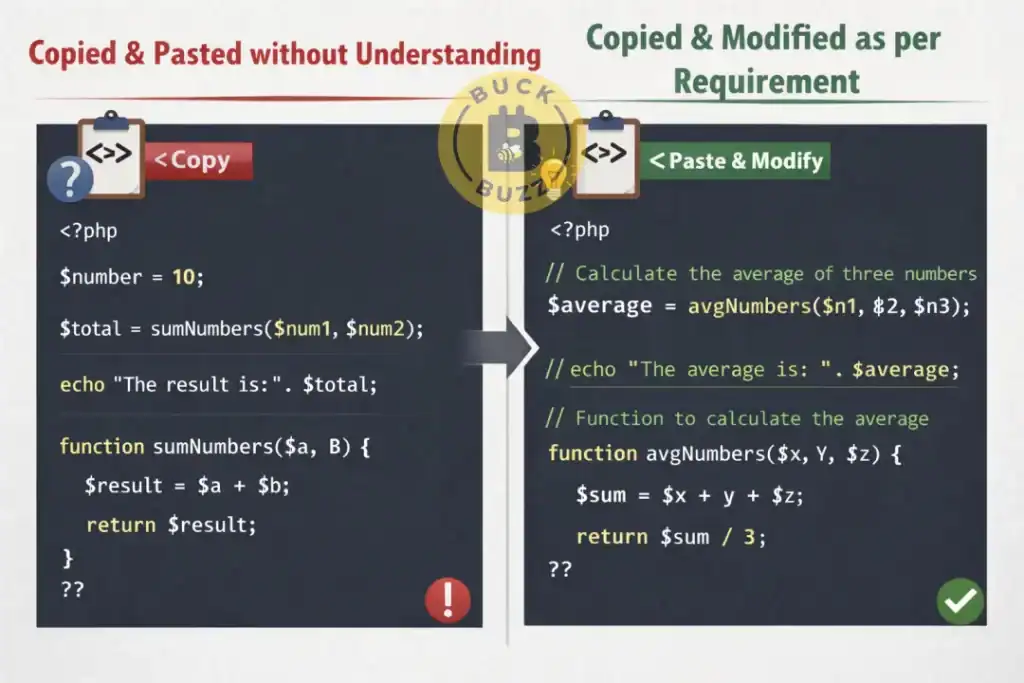
Beginners often copy solutions from tutorials, Stack Overflow, or documentation without understanding the logic behind the code. This leads to dependency, inability to fix bugs, and lack of confidence.
Correct approach:
Study every copied snippet, rewrite it in your own style, and experiment with variations. This builds genuine problem-solving skill.
6. Poor Understanding of Variables, Data Types, and Scope
A major mistake beginners make is misusing variables: wrong data types, reusing the same variable name, misunderstanding variable lifetime, or confusing global vs. local scope. These errors cause unexpected outputs, overwritten values, and hard-to-find bugs.
Correct approach:
Always choose the correct data type, avoid unnecessary global variables, and trace the “lifecycle” of each variable. Understanding scope is essential for writing predictable, bug-free code.
7. Not Testing Code Frequently (Waiting Until the End)
Many beginners write long chunks of code before running it. If a bug appears, they have no idea where it originated because too much code changed at once. This slows debugging and creates frustration.
Correct approach:
Test code in small increments. Write a few lines, test them, confirm functionality, then move forward. This “small test cycle” dramatically reduces debugging time.
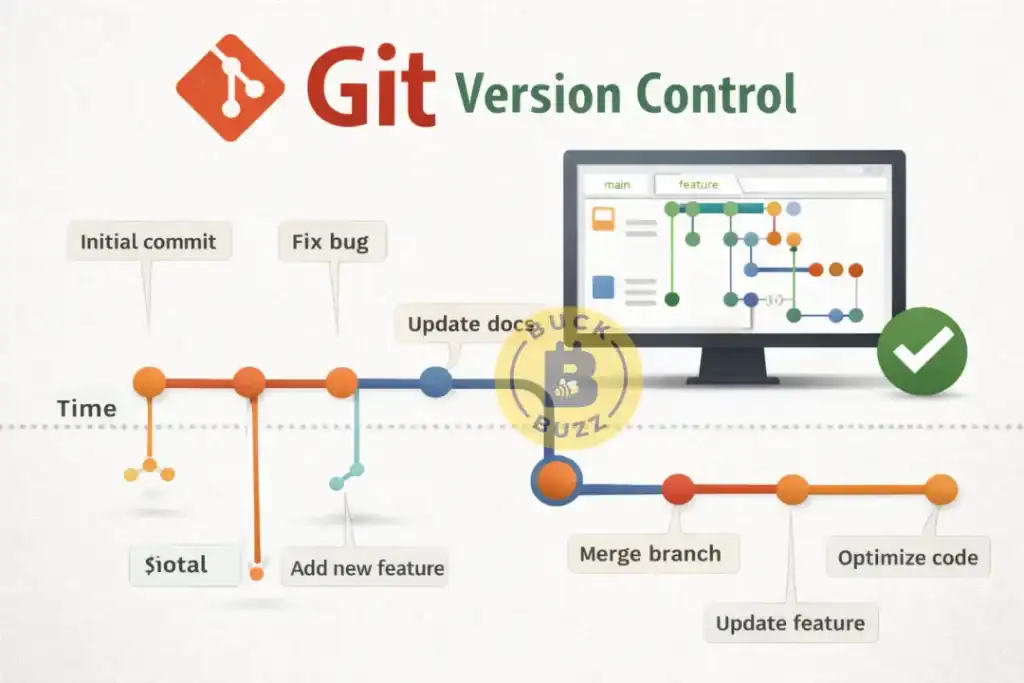
8. Failing to Use Version Control (Git)
A universal beginner mistake is avoiding Git because it feels “too advanced.” As a result, beginners lose code, overwrite important files, or cannot track changes. Git is not optional—it is a core programming skill regardless of language.
Correct approach:
Learn the basics: committing, branching, merging, pushing, and pulling. Even single-person projects should use version control from day one.
9. Hardcoding Values Instead of Using Variables or Configurations
Beginners frequently hardcode values like URLs, API keys, file paths, database credentials, or mathematical constants. This reduces flexibility, increases security risk, and makes maintenance difficult.
Correct approach:
Use constants, environment variables, or configuration files. This keeps code secure, reusable, and clean across all environments.
10. Not Breaking Code into Functions or Reusable Components
A common mistake is writing everything inside one long function or script. This approach makes code difficult to read, test, debug, and scale. It also forces beginners to repeat logic rather than reuse it.
Correct approach:
Break down code into small, modular functions or components that handle individual tasks. Each function should have a single purpose. This builds maintainability and reusability.
11. Not Learning How to Debug Properly
Many beginners rely on guesswork rather than using actual debugging tools. They add random code, delete lines, or try modifications without understanding the root cause. This wastes time, hides real issues, and turns debugging into a frustrating experience.
Correct approach:
Learn how to use debugging tools available in each language or environment—browser DevTools, IDE debuggers, breakpoints, watches, step-through execution, and log inspection. Debugging is a skill, not luck.
12. Avoiding Documentation and Official Resources
Beginners often depend on tutorials and YouTube videos while ignoring official documentation. This makes them stuck when facing problems not covered in tutorials. Documentation is the ultimate source of truth for any programming language, framework, or library.

Correct approach:
Get comfortable reading docs. They teach deeper concepts, accurate syntax, parameters, examples, and best practices. Professionals rely heavily on documentation.
13. Neglecting Code Readability and Formatting
Pagination, indentation, naming conventions, and formatting are commonly ignored by beginners. Poor formatting leads to unreadable code, collaboration problems, and mistakes during debugging.
Correct approach:
Follow consistent formatting rules. Use meaningful variable names, proper indentation, and clear code structure. Most IDEs have auto-formatting features—use them.
14. Not Considering Edge Cases or Input Validation
Beginners often assume the program will receive perfect input. They do not consider wrong inputs, missing inputs, unexpected user behavior, or extreme values.
Correct approach:
Always validate input. Anticipate unusual user actions, negative values, empty strings, invalid data types, and other unexpected scenarios. This prevents bugs and improves reliability.
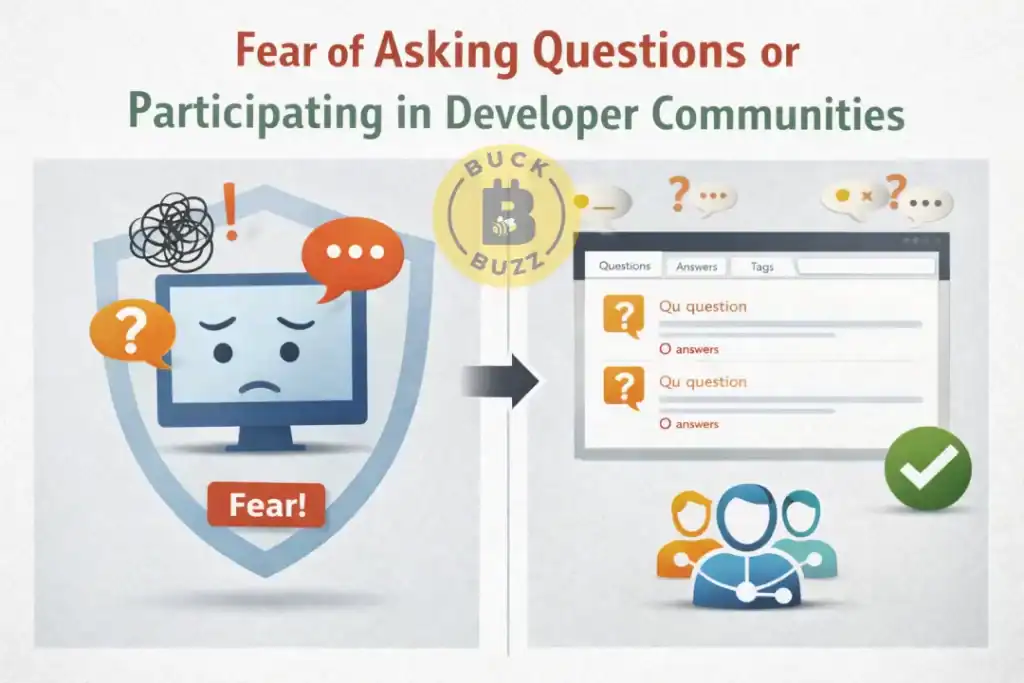
15. Fear of Asking Questions or Participating in Developer Communities
New coders sometimes hesitate to ask doubts because they think their questions are “too basic.” This slows their growth and prevents them from discovering better solutions.
Correct approach:
Join developer communities, forums, Discord groups, or Stack Overflow. Asking questions accelerates learning and exposes beginners to new concepts and techniques.
16. Learning Too Many Languages at Once
Many beginners keep switching languages—one week Python, next week JavaScript, then C++. This creates confusion, shallow knowledge, and incomplete understanding.
Correct approach:
Pick one language, learn it deeply, understand fundamentals, and then expand. Strong fundamentals transfer to all languages.
17. Giving Up Too Early
Programming is difficult in the beginning. Many beginners quit at the first challenge—debugging errors, project complexity, or syntax confusion. This prevents them from reaching the rewarding stage of building real applications.

Correct approach:
Stay consistent. Practice daily, build small projects, fix bugs methodically, and allow the learning curve to unfold. Persistence is the biggest difference between beginners and experts.
Summary
Programming beginners across all languages face a common set of challenges that slow their growth, reduce productivity, and create avoidable frustration. This blog explores the ten most frequent beginner programming mistakes and provides actionable solutions to help new developers build strong, long-term coding habits. One of the biggest issues is rushing into code without fully understanding the problem, which leads directly to coding errors, confusion, and inefficient solutions. Many new coders also misinterpret errors or skip reading them entirely, preventing them from building strong debugging basics and problem-solving instincts.
Another recurring challenge is the tendency to write overly complicated logic instead of focusing on clarity and clean code habits. Beginners often struggle with common coding mistakes related to variables, data types, and universal programming concepts, especially when they confuse variable scope issues, select the wrong data type, or create unpredictable behavior by unintentionally overwriting values. Failing to test code frequently also leads to deeper bugs, as beginners wait too long before verifying outputs, making it harder to identify where logical errors in coding originate.
Avoiding Git and other version control basics is another frequent mistake. Without version control, beginners lose progress, struggle to collaborate, and miss a critical industry skill. Hardcoding values instead of using variables, constants, or configuration files also creates long-term problems, reducing scalability and violating core coding best practices. Another critical barrier is not using reusable functions or components. Without modular coding, beginners create lengthy, repetitive scripts that are difficult to debug and maintain.
As they advance, many beginners ignore documentation, avoid community resources, and skip formatting rules, resulting in poor readability and inconsistent structure. This makes it harder to understand their own code, especially when revisiting older projects. Another major issue is weak input handling—failing to validate user input or consider edge cases creates fragile software. Proper edge case handling and preventing input validation errors are essential skills for reliable development.
Finally, many new coders lose motivation or switch languages too quickly, preventing them from mastering core principles. Understanding and avoiding these programming best practices failures helps beginners progress faster, write cleaner code, and become more confident developers. By correcting these patterns, new programmers can avoid the major common developer mistakes and accelerate their journey toward professional-level software development.